
Test your Teams connectivity
You can place a test call over a Teams connection without creating a routing rule first.
Start the test from the connection's card or from its edit dialog. Do one of the following:
-
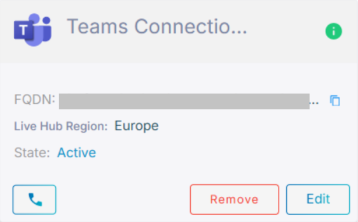
On the card, click the phone icon
 .
.
-
Click Edit on the card, and then click Test your Teams connection.
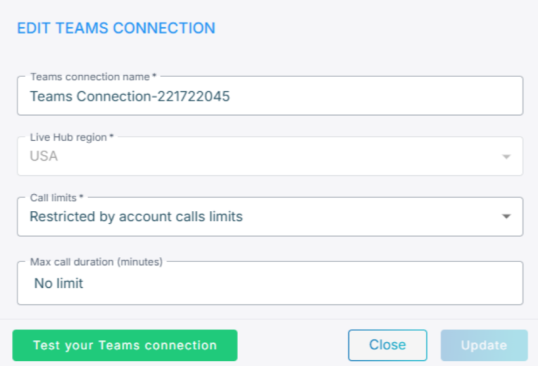
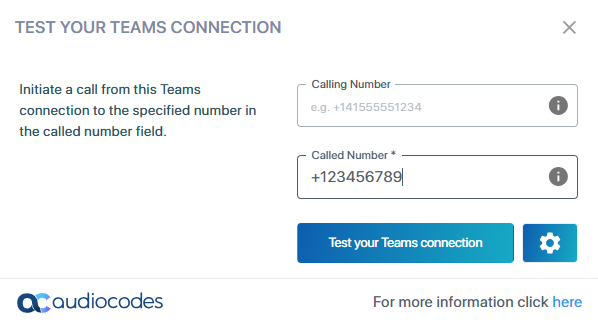
Both routes open the same dialog.
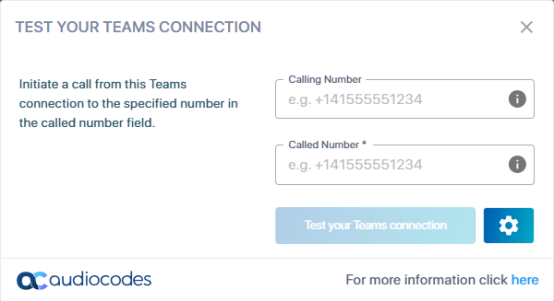
To place the test call:
-
In the 'Called Number' field, enter the number to call.
-
Optional: In the 'Calling number' field, enter the number to show the person you are calling.
-
Optional: Click the settings icon
 to select a different
microphone or speaker.
to select a different
microphone or speaker.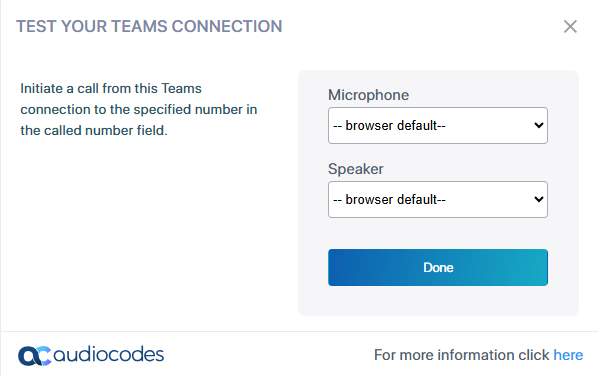
-
Click Done.
-
Click Test your Teams connection.